Active users
Each uploaded at least one image or document.
AutoSortPro turned visual and document clutter into useful context—generating titles, summaries, searchable tags, and portable metadata from the files people forgot how to find.
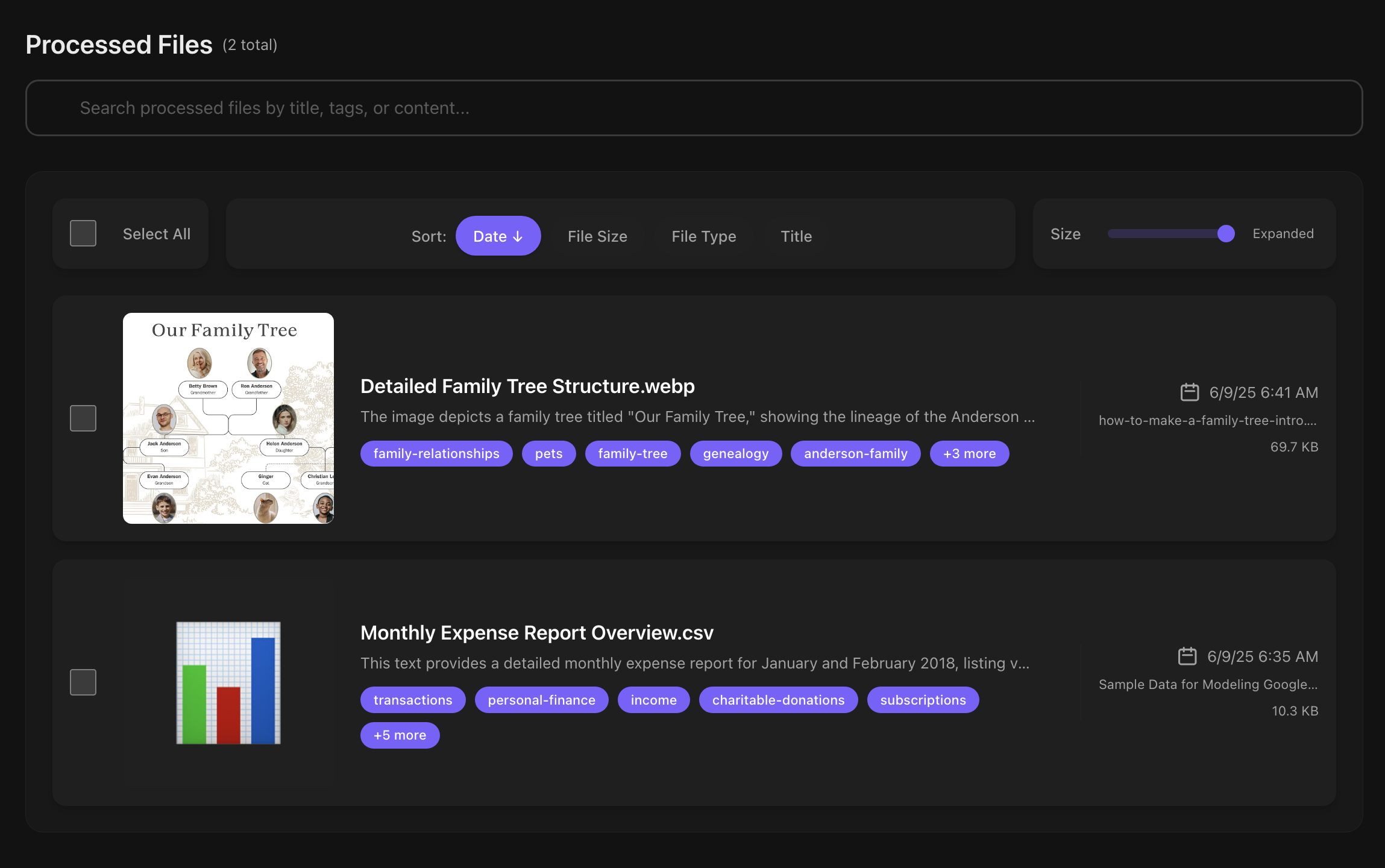
Images and documents processed into searchable, editable libraries.
Each uploaded at least one image or document.
Average depth of a real AutoSortPro library.
From HEIC and PNG through PDF, DOCX, XLSX, and more.
AutoSortPro bridged that gap with a deliberately small workflow: ingest a file, understand it, add context, and make the result portable.
People knew what they had seen, but not when they saved it or what the original filename was.
AI-generated titles, summaries, extracted text, and tags made content understandable before it was ever opened.
Retrieval shifted from “where did I put it?” to the subject, object, person, or idea someone actually remembered.
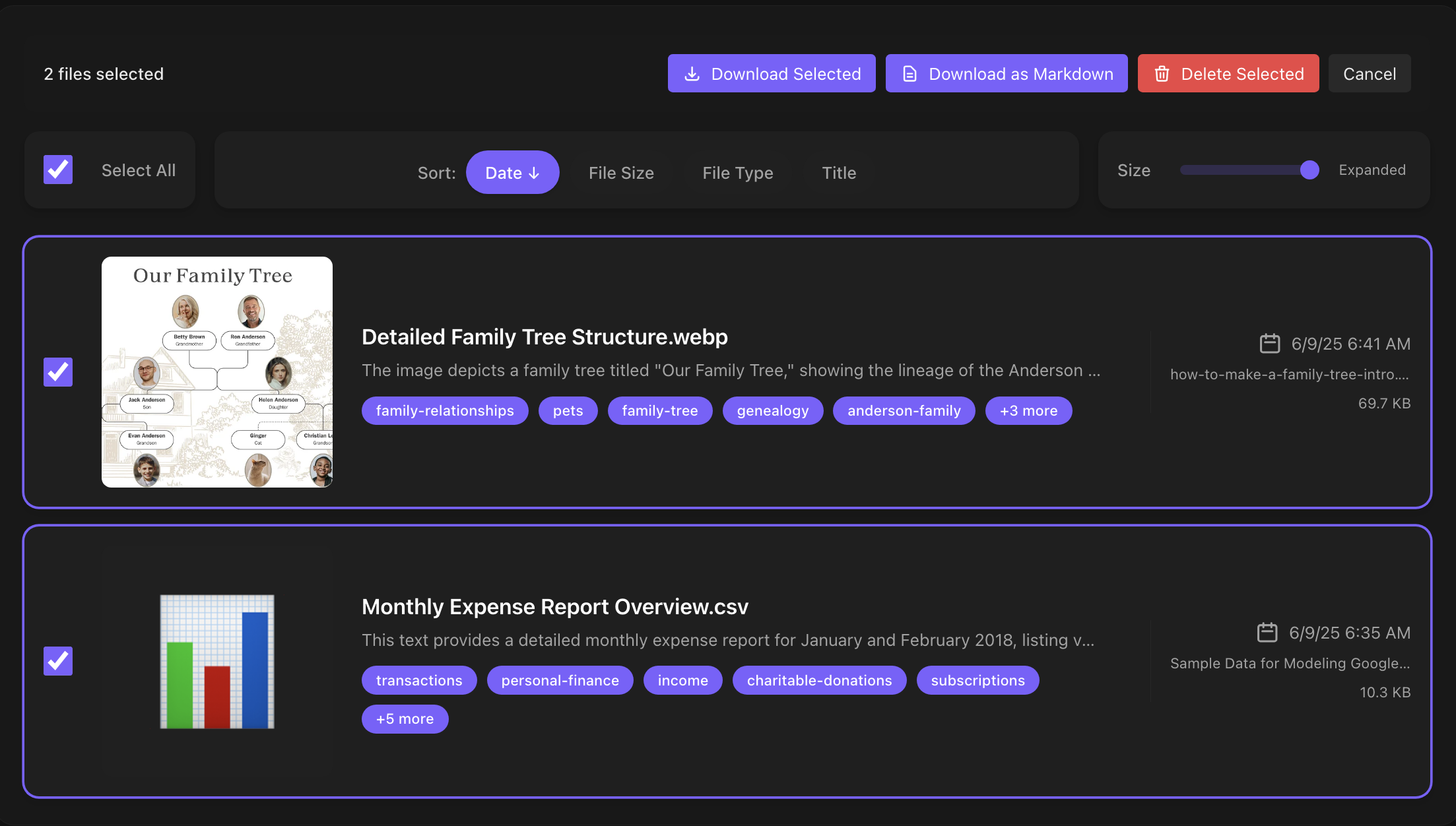
Four surfaces carried a file from raw input to an organized, portable result.
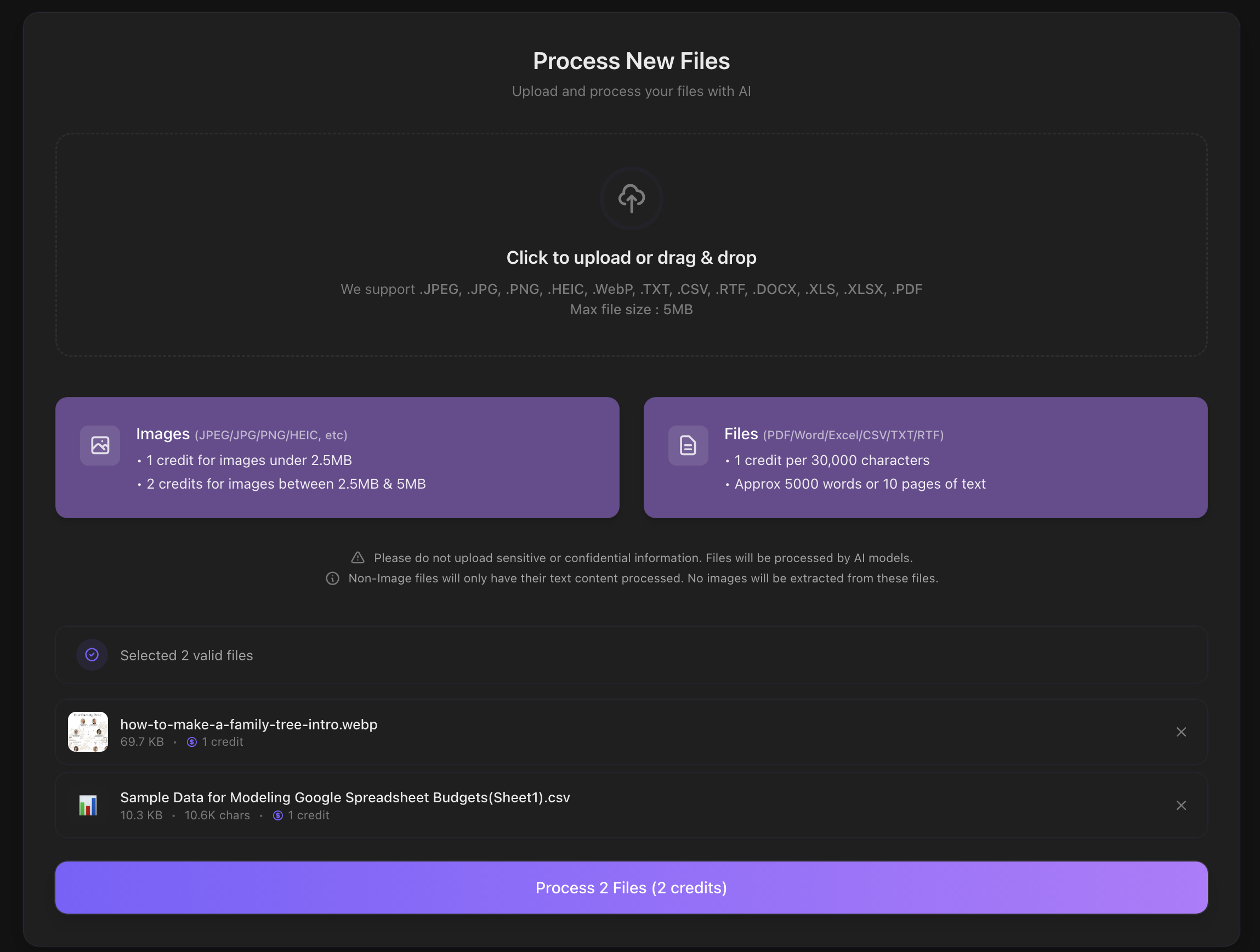
Images and documents entered the same queue. File validation, batch processing, progress feedback, and error recovery stayed out of the user’s way.
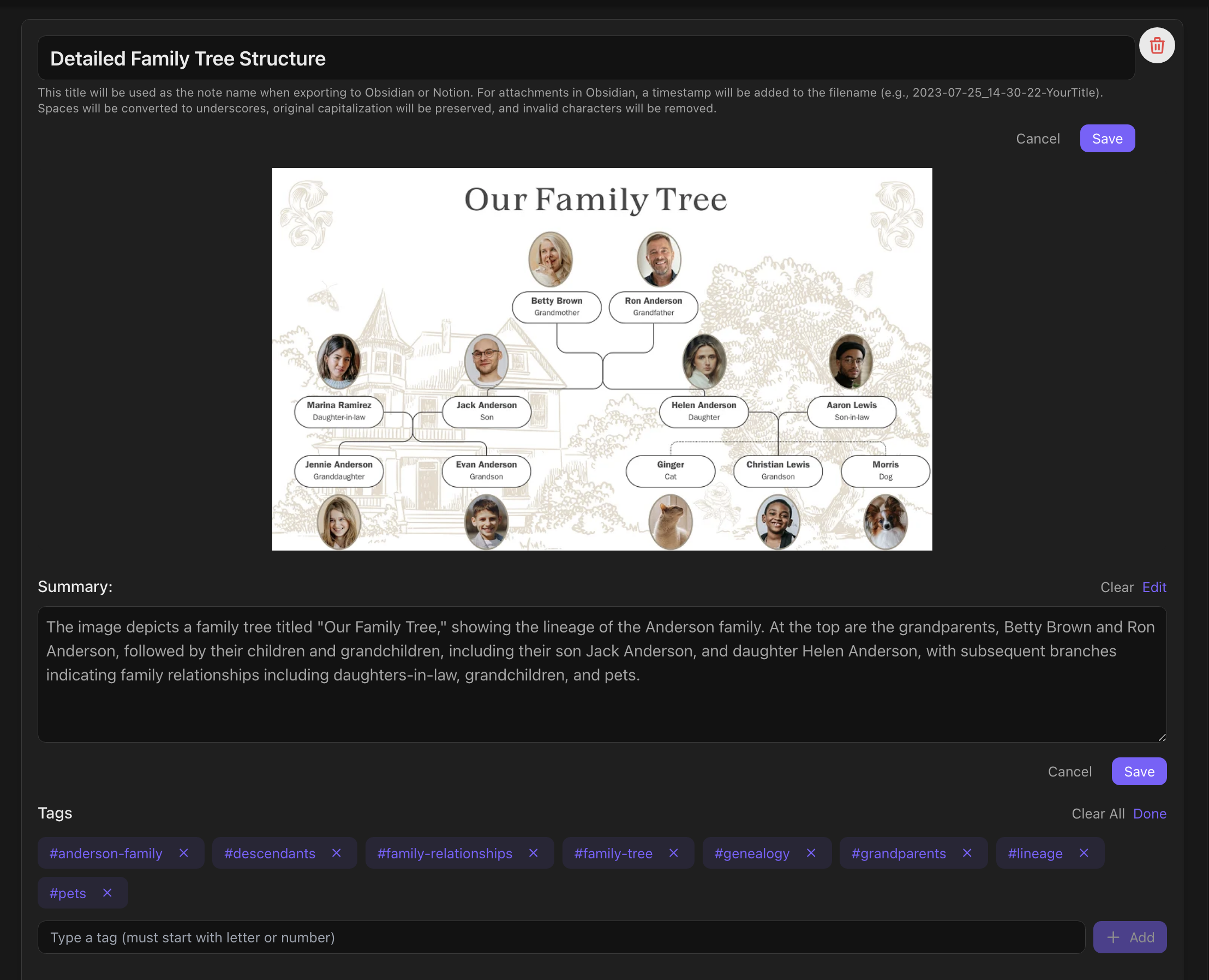
Generated titles, summaries, and tags remained editable. AI accelerated the organizational work without taking ownership away from the person doing it.
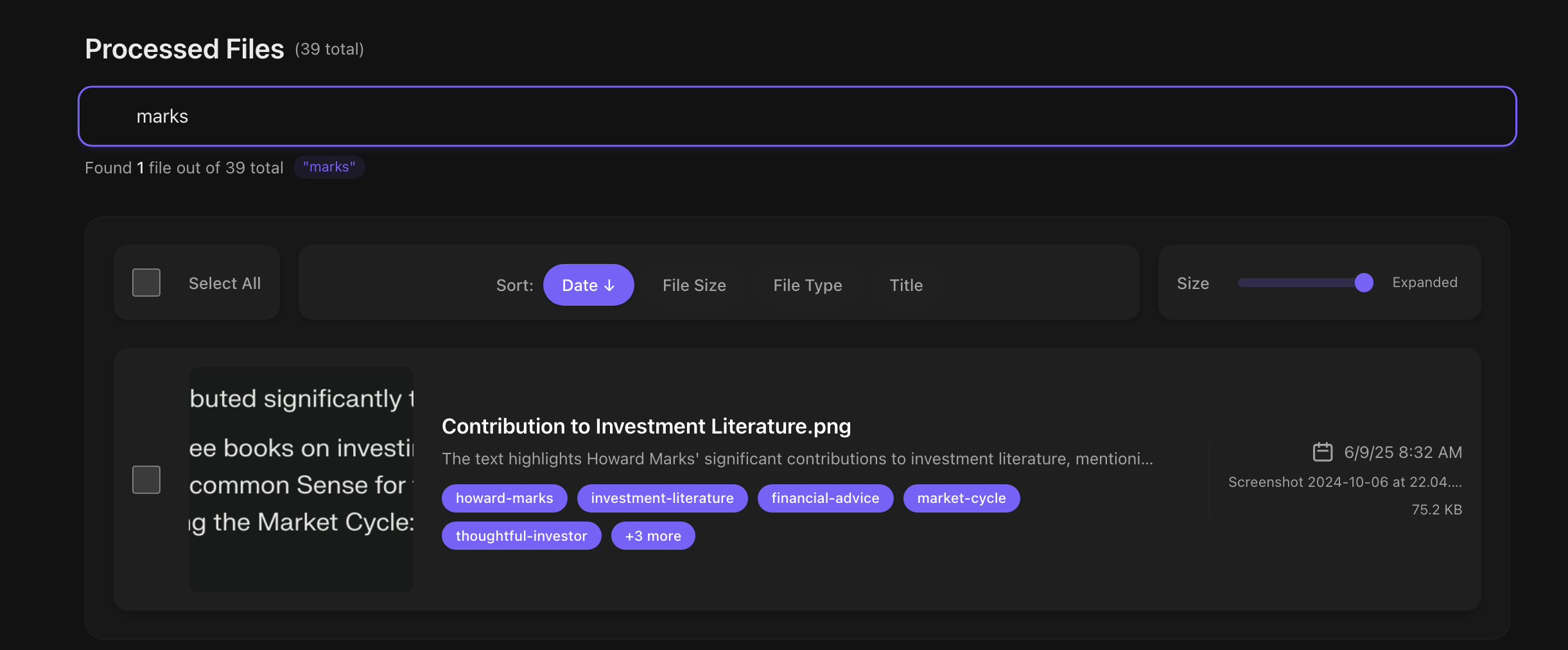
Rich metadata made files searchable by subject, people, objects, and concepts—turning an opaque archive into something that felt conversational.
Users could export original files with Markdown-ready metadata or move organized content into an Obsidian workflow. Portability was part of the product, not an afterthought.
New downloads and purchases are closed. Existing users have a defined export window before and after shutdown.
Existing users can continue to export stored files and generated metadata through the installed app.
AutoSortPro shuts down. After this date, exports are fulfilled by the support team via email.
This is the final day to email support and request an export of AutoSortPro data.
Email support by October 10, 2026 to request an export or ask a question about the shutdown.
Request an export